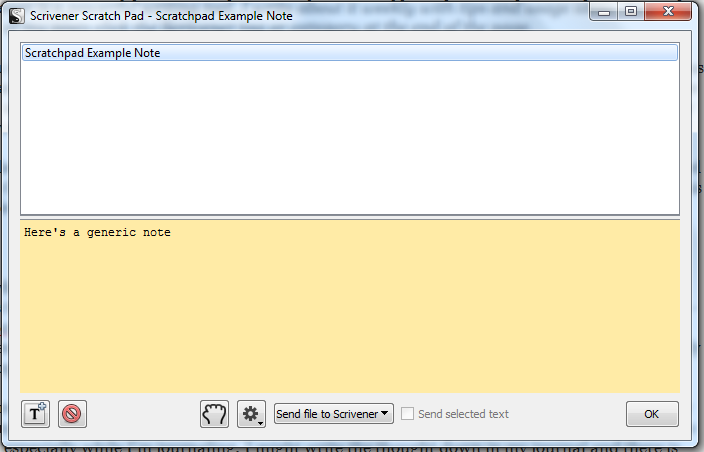
Hi from Turkey again, today we continue to the tutorials of novel writing software scrivener windows. The title of this tutorial will be How to use Scratch Pad panel in Scrivener Windows. I think this tutorial will too much help to the authors who writes books, scenarios and novels. This feature of Scrivener Windows software provide us to write freely from the main draft of our manuscript. With scratch pad you can create pages, no connection with the binder of your project, then you can append this pages to your binder in the way you wish. If you want, you can use scratch pad as the second binder of your project. Let’s see how?

